
Build the week's schedule in minutes.
Plan shifts for every site from one place, assign the right people and publish. Your team sees the update on their phones straight away.
Everything you need to plan the week
Multi-site scheduling
Organise shifts and employees by location and keep every site visible from one dashboard.
Shift assignment
Assign employees to shifts and see who is working where, at a glance.
Coverage you can see
Spot gaps before the shift starts, with open and uncovered shifts clearly flagged.
Publish and notify
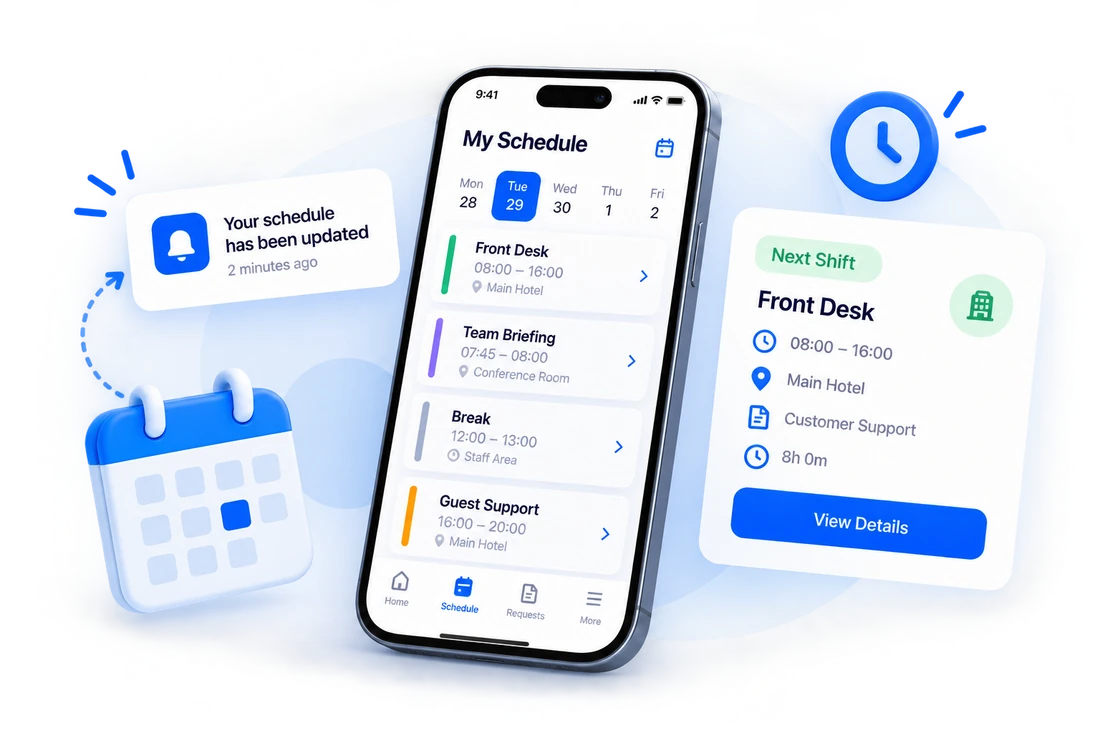
Publish the schedule and employees are notified on their phones the moment shifts go live.
Schedule in every pocket
Employees check their upcoming shifts in the mobile app instead of asking around.
A record of changes
Keep a clear history of what changed, so schedules never become a matter of memory.
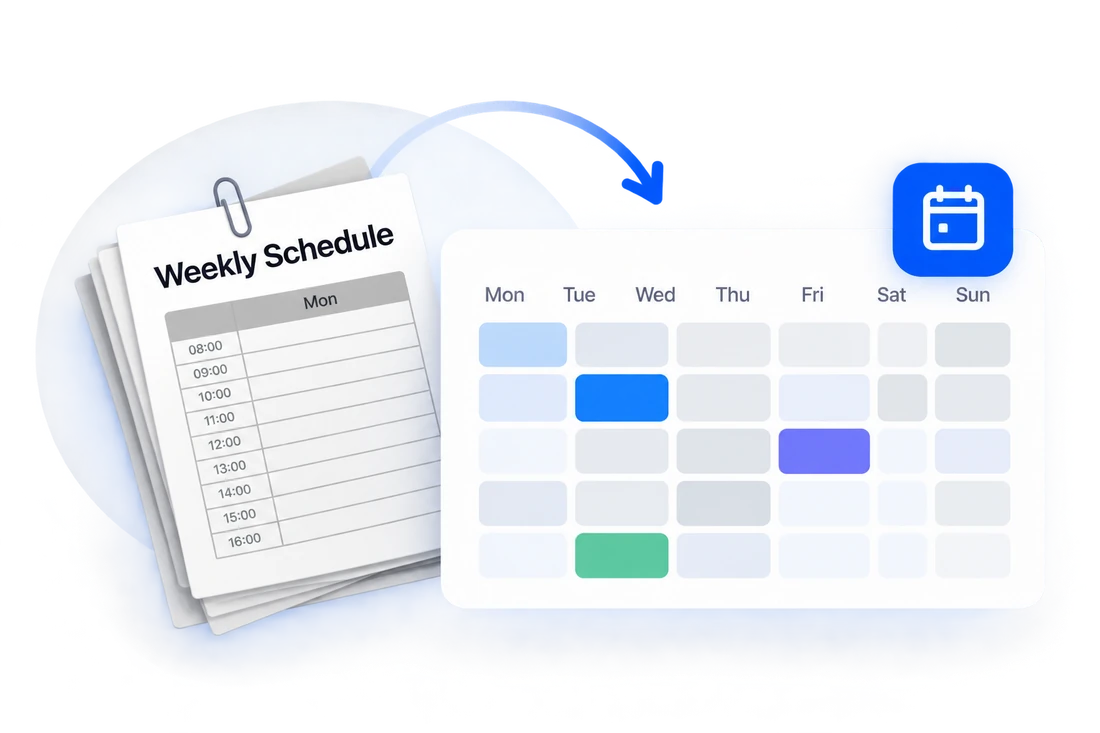
Replace paper and spreadsheets with one live schedule.
Nothing to print, post on a wall or lose. Build the schedule in TravailOS and everyone works from the same version.
- Shifts organised by site
- Employees assigned to the right shift
- Changes reach the team immediately

Cover gaps when someone is on leave.
When approved leave leaves a shift uncovered, employees can claim it. The claim is tied to approved leave, so coverage and time off stay in step.
- Uncovered shifts surfaced automatically
- Employees claim open shifts from the app
- Time off and coverage kept consistent
From blank week to published schedule
Add your sites and team
Set up your locations and invite the people who work them.
Create and assign shifts
Build the week and assign employees to each shift.
Publish
Publish and your team gets the update instantly on their phones.
Works together with the rest of TravailOS
Ready to get your workforce in sync?
Set up your company, add your team and publish your first schedule.